EIGHTREE
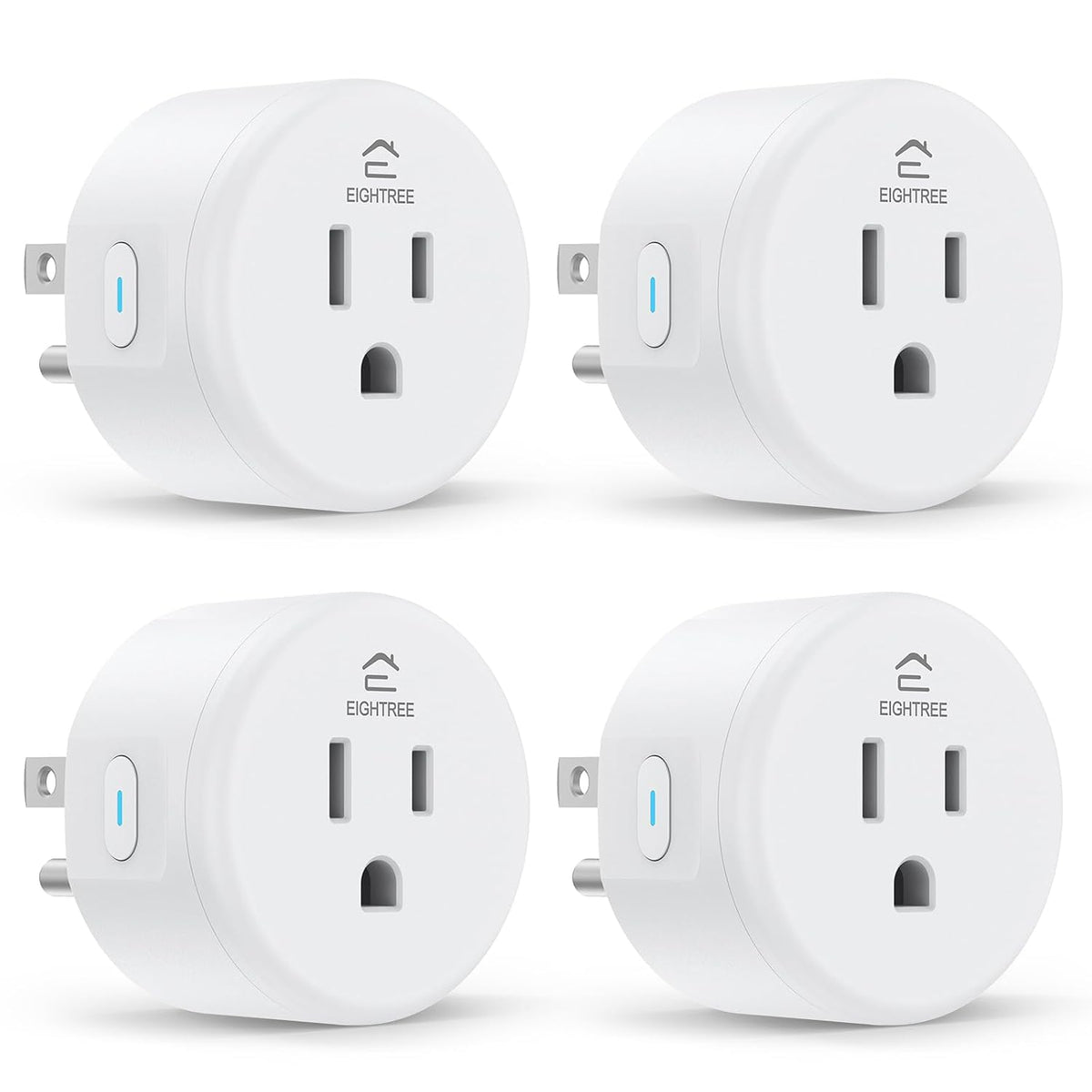
EIGHTREE Smart Plug Wifi Outlet Works with Alexa & Google Home, 15A, 4-Pack
EIGHTREE Smart Plug Wifi Outlet Works with Alexa & Google Home, 15A, 4-Pack
Couldn't load pickup availability
Product description
-
Voice Control Made Easy
Connect the plug to the Smart Life app first, then link it with Alexa to enjoy hands-free control.
-
Control from Anywhere
Turn devices on/off anytime, anywhere via the Smart Life App.
-
Control Multiple Devices with One Tap
Simplify your smart life by managing your devices in sync with your needs
-
How to connect smart plug?
1. Download the Smart Life App and register for an account.
2. Power on the plug and ensure that the indicator is flashing.
3. The Smart Life App will automatically detect the plug.
4. Follow the on-screen prompts to complete the connection process.
-
What to do when connection fails?
1. Unplug & hold 5s to reset.
2. Reconnect via AP mode (watch the video guide).
3. If not connecting, check for "SmartLife-xx" hotspot in AP-Mode. If not found, please reach out to the support team for a new one. If found, check your router settings.
-
How do I use the plug to work with third-party voice assistants?
1. Open the Smart Life App and connect your plug.
2. In the Smart Life App, go to "Me" > "Third-Party Services", and select Alexa/Google.
3. Or, open the Alexa App, go to "Skills & Games", search for "Smart Life", and enable the skill.
-
What should I do if my smart hom plug is broken?
No need to worry! We've got you covered with a 2-year replacement service. If you encounter any problems, just reach out to us through Amazon or our official email, and we'll be more than happy to help!
-
My plug is connected to Smart Life, but Alexa still doesn't work. What should I do?
1. Make sure your Alexa device and smart plug are on the same 2.4GHz Wi-Fi network.
2. Confirm that the Smart Life skill is enabled in the Alexa App and properly linked.
3. Try saying “Alexa, discover devices” to refresh the connection.
- Warm Tips: To use Alexa and Google Home for voice control, please connect the plug with the “Smart Life” app first. Then go to Me > Third-Party Services to link with Alexa/Google. Note: Direct connection to Alexa is not supported.
- Simplified Setup: Our upgraded smart plug makes connecting a breeze. Just open the Smart Life App, and your phone's Bluetooth will automatically find the plug. No more worrying about complicated setups.
- Voice Control: Works with Alexa and Google Assistant, but requires setup through the Smart Life App. Once connected, just say “Alexa, turn on the fan” to control your device hands-free.
- Remote Control: Use your smartphone to turn home devices on and off from anywhere, anytime. Grab an Alexa smart plug for those electronics you sometimes forget, saving energy and ensuring safe power usage.
- Schedule & Timer Function: You can easily set timers, countdowns, cycles, or random schedules. For example, schedule the coffee maker to turn on automatically at 8 a.m. and the lights to turn off at 10 p.m.
- Compact & Versatile: The mini round design fits easily into tight corners, nightstands, or behind furniture. ETL and FCC certifications help ensure safe, reliable daily performance.
- Warm Tips: This smart outlet supports SmartThings for flexible smart-home integration. For a smoother setup, follow the connection instruction video provided in the app and product guide.
Share